This menu system (formerly called “Henu”) places selectable items and sliding controls at your fingertips, as part of your virtual reality experience. Hand information is
Hovercast VR Menu: Demo 2015-01-16 (Leap Motion input)


This menu system (formerly called “Henu”) places selectable items and sliding controls at your fingertips, as part of your virtual reality experience. Hand information is
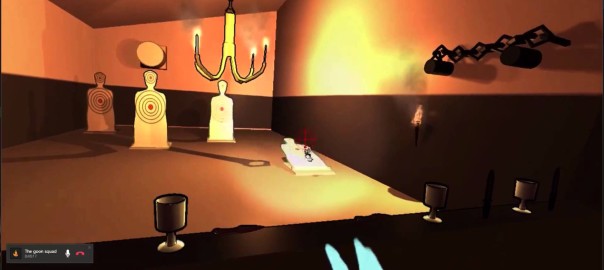
A training room for the tutorial of our game. Showing some of the physics of our game.
This is very early in development and this is
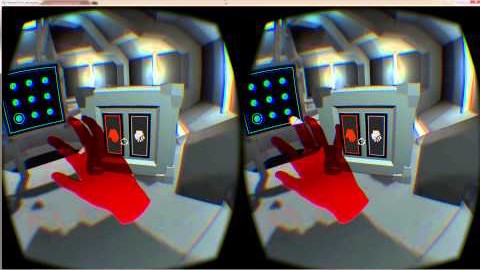
Walkthrough “Inside the Looking Glass” VR DEMO with Hand Tracking
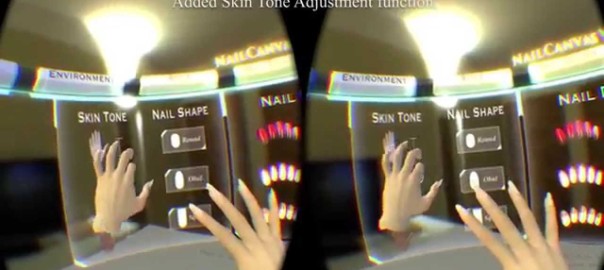
Nail art simulator with Oculus Rift and Leap Motion.
I’ve just added the function of skin tone adjustment.
You can download the demo version here,
<a href="http://www.voxcelldesign.co.jp/?p=1505" target="_blank"
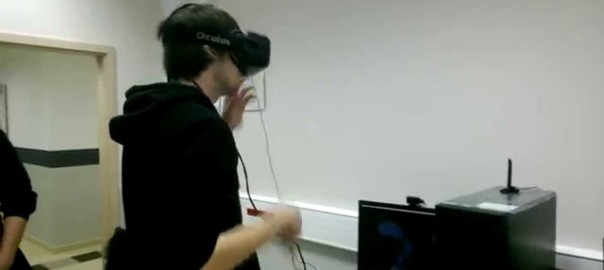
Authors: Karolina Nowak, Adrian Smagur, Robert Hajdys
Music: Payday – Jason Farnham.mp3
Powered by Unity 5.0, Oculus Rift DK2, Leap Motion
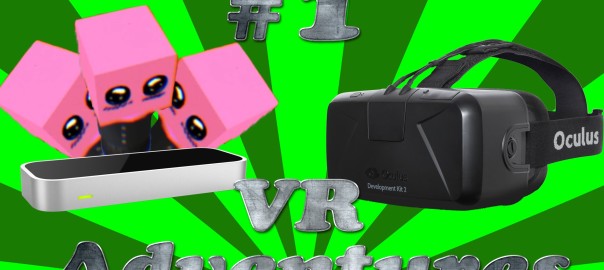
In this video I tape my Leap Motion to my Oculus Rift DK2 and try out some examples that were released then the V2 SDK
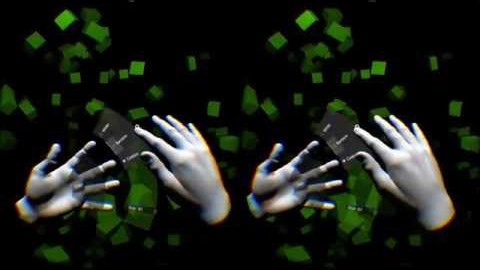
Hovercast is a customizable menu interface for virtual reality applications. It provides menu navigation, buttons, sliders, and toggles – all using simple, reliable gestures. View
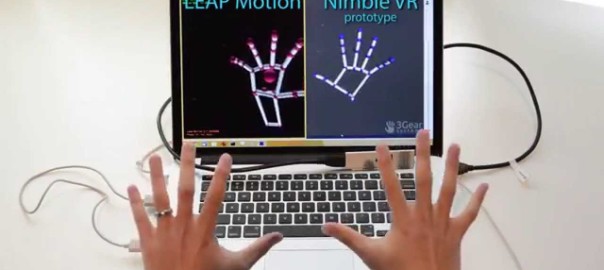
A side-by-side comparison of a prototype Nimble Sense and a LEAP Motion skeletal tracking 2.1.5+22699. Due to the interference between active illumination from the